
How Virtual Staging AI works
- How Virtual Staging AI works
- One photo, three styles: a bedroom case study
- Room types and design styles
- Step-by-step: staging a listing photo
- Trustpilot reviews and real-world complaints
- Does virtual staging actually help sell homes?
- Legal disclosure requirements — don't skip this
- Common mistakes to avoid
- Cost vs. traditional and other staging methods
- Tools that pair well with virtual staging
Virtual Staging AI turns an empty or awkwardly furnished listing photo into a professionally staged room in about 15 seconds, using AI furniture generation instead of a truck, a warehouse, and a two-week install window. For real estate agents and photographers who need staged photos on a same-day timeline, that turnaround is the entire pitch. This review covers how the tool works, what it costs to run at scale, what real users report on Trustpilot, and — critically — the legal disclosure rules an agent must follow before uploading a virtually staged photo to the MLS.
- How Virtual Staging AI works
- One photo, three styles: a bedroom case study
- Room types and design styles
- Step-by-step: staging a listing photo
- Trustpilot reviews and real-world complaints
- Does virtual staging actually help sell homes?
- Legal disclosure requirements — don't skip this
- Common mistakes to avoid
- Cost vs. traditional and other staging methods
- Tools that pair well with virtual staging
Key highlights
- Stages a room in roughly 15 seconds and includes automatic furniture removal at no extra cost.
- 50+ design styles across bedrooms, living rooms, kitchens, dining rooms, home offices, and outdoor spaces.
- Free tier stages one photo with no sign-up and no credit card required.
- Built at Harvard Innovation Lab and now used by 10,000+ active users.
- 3.5/5 on Trustpilot from 167 reviews — solid, not spotless.
- Agents must still disclose virtual staging under a growing list of state and MLS rules.
A fast, low-friction way to stage listing photos — but disclosure is on you, not the tool.
Virtual Staging AI is a strong pick if you need a furnished-looking listing photo today rather than in two weeks, and you're disciplined about labeling staged images. It is not a substitute for knowing your state's and MLS's disclosure rules.
Try Virtual Staging AI FreeHow Virtual Staging AI works
Virtual Staging AI is a browser-based tool: upload a listing photo, pick a room type and design style, and the AI generates a furnished version of that same room in roughly 15 seconds. If the room already has furniture, the platform can remove it automatically before restaging — useful for photographing an occupied home where the current décor doesn't photograph well. Regenerations are unlimited on every paid tier, so you can try several styles on the same photo until one fits the listing.

Plans range from a single-image free trial up through an Enterprise tier built for high-volume brokerages, with monthly image allowances scaling from a handful up to 150 renders. Every paid tier includes unlimited regenerations, all room types and styles, furniture removal, and no watermark. Once payment is completed, you receive a non-exclusive license to use the generated images for personal or commercial purposes, including MLS listings and marketing materials.

Virtual Staging AI
Upload one photo and stage it for free, no account required, before committing to a monthly plan.
Start Free StagingOne photo, three styles: a bedroom case study
The clearest way to judge an AI staging tool is the same source photo run through several styles, since that isolates what the AI adds versus what the room already offered. Below is one empty bedroom photo staged three different ways using Virtual Staging AI's style library.


This is the practical value of unlimited regenerations: an agent can test which style matches the neighborhood's buyer profile — a young professional condo reads differently in Industrial than in Scandinavian — without paying per style or waiting on a second install.
Room types and design styles
Beyond bedrooms, Virtual Staging AI covers living rooms, kitchens, dining rooms, home offices, and outdoor spaces, with the full 50+ style library available on every room type. The vendor's own gallery shows before-and-after examples across all of these room and style combinations for demonstration purposes.



Luxury listings get their own treatment: the Luxury style adds higher-end furniture silhouettes and finishes intended for higher price-point homes rather than starter properties.
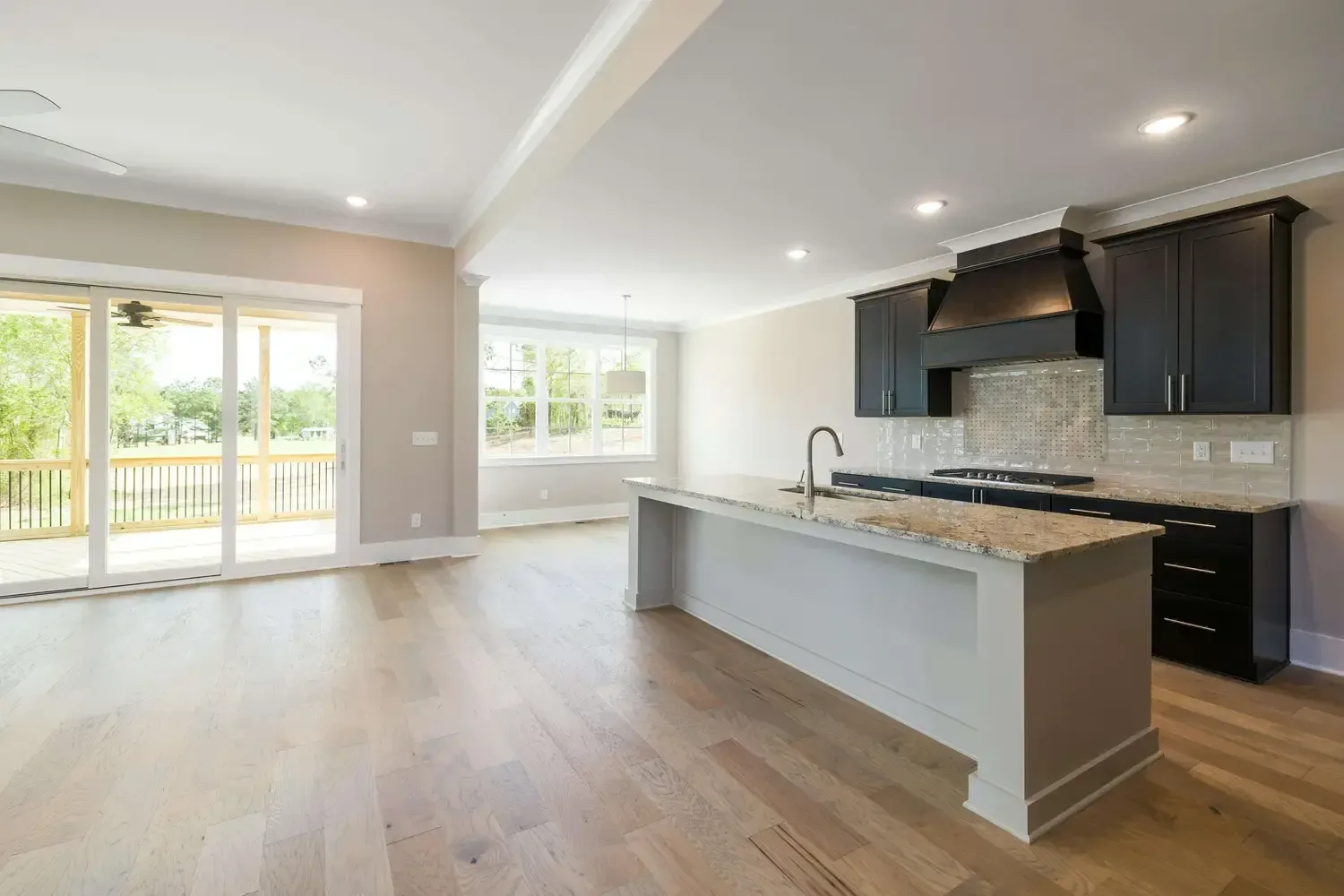
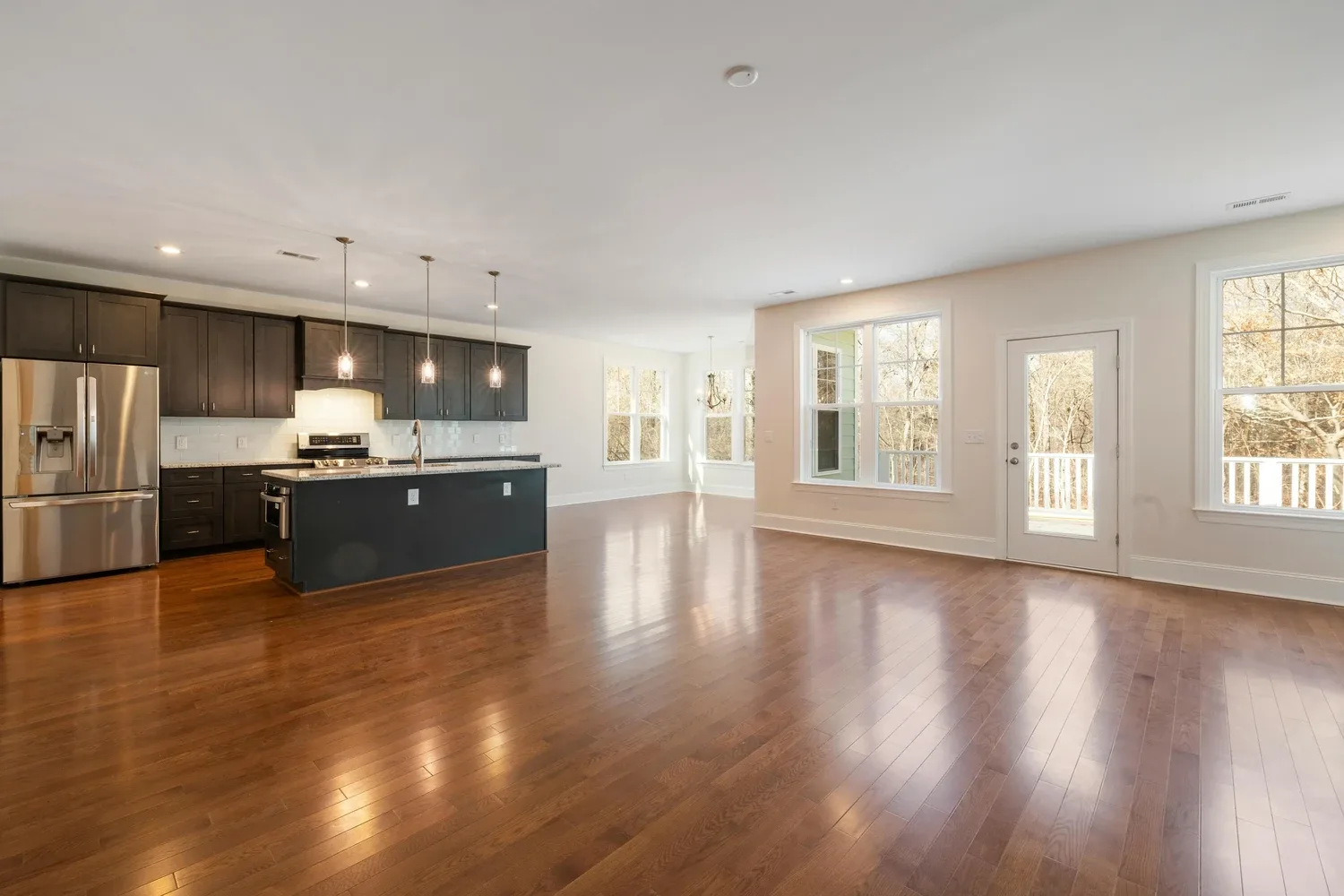
Kitchens are a harder case for any staging tool, since appliances, cabinetry, and countertops need to stay put while only movable items like stools, décor, and small appliances change.
Step-by-step: staging a listing photo
- Shoot the source photo with good, even lighting and the camera level — the AI works from what's actually in the frame.
- Upload the photo to Virtual Staging AI and select the correct room type (bedroom, living room, kitchen, dining room, home office, or outdoor).
- Remove existing furniture first if the room is occupied or cluttered, using the built-in removal tool.
- Choose a design style that matches the target buyer — Modern and Scandinavian for smaller urban listings, Luxury or Farmhouse for larger suburban homes.
- Regenerate as needed — regenerations are unlimited, so compare two or three styles before picking a final image.
- Label the image as virtually staged before it goes anywhere near an MLS listing (see the disclosure section below — this step is not optional).
Trustpilot reviews and real-world complaints
Virtual Staging AI holds a 3.5 out of 5 rating on Trustpilot from 167 reviews — a respectable but middling score, not a runaway rave. Reviewers consistently credit it as a time and money saver versus manual staging or higher-priced alternatives, and praise ease of use and photo quality.
What reviewers actually report
What reviewers like
- Fast, easy to use, professional-looking results
- Noticeably cheaper than manual staging or agencies like BoxBrownie
What reviewers flag
- Occasional incorrect furniture placement
- Limited customization for choosing individual furniture pieces
- Annual subscriptions auto-renew if not manually cancelled — some customers reported unexpected charges
The auto-renewal point is worth flagging on its own: if you sign up for an annual plan to handle a busy listing season, put a cancellation reminder on your calendar rather than assuming the subscription ends on its own.
Does virtual staging actually help sell homes?
Staging in general — not this product specifically — has measurable market impact according to the National Association of REALTORS' 2025 Profile of Home Staging, a survey of 1,266 REALTORS. Nearly 29% of agents reported that staging a seller's home led to a 1–10% increase in the dollar value offered, and almost 49% observed that staging reduced the home's time on market. On the buyer side, 83% of buyers' agents said staging made it easier for a buyer to visualize the property as their own home.
These figures describe home staging broadly, covering both physical and virtual approaches — they are not a Virtual Staging AI-specific performance claim. The realistic takeaway is that a well-staged listing photo, virtual or physical, tends to help — but the effect depends heavily on the listing, the market, and photo quality, not any single vendor's promise.
Legal disclosure requirements — don't skip this
Virtual Staging AI markets its output as MLS-compliant, but that is the vendor's own characterization, not a substitute for checking your specific MLS's rules. The actual disclosure landscape is stricter and still tightening. Any MLS photo digitally altered to add, remove, or significantly change a property's appearance must be disclosed as such — typically with a visible "Virtually Staged" watermark at a minimum legible size, or a clear note in the photo description. Many MLS systems also require the original, unstaged photo to be included in the listing alongside the staged version.
California raised the stakes further: effective January 1, 2026, California's AB 723 makes non-disclosure of a digitally altered real estate photo a misdemeanor — a criminal charge, not just an MLS rule violation. According to guidance compiled by Homepics, 38 states had adopted explicit virtual staging disclosure requirements as of 2026, up from 22 states in 2023 — a trend that points toward more states requiring disclosure, not fewer.
Using Virtual Staging AI, or any virtual staging tool, does not remove your disclosure obligation as the listing agent. Verify your specific state's law and your local MLS board's current rules before submitting any staged photo — requirements vary by jurisdiction and are changing quickly.
Common mistakes to avoid
- Skipping the disclosure label. A missing "Virtually Staged" watermark is now a compliance risk, and in California, a potential misdemeanor exposure for the agent.
- Uploading a poorly lit or crooked source photo. The AI stages what's in the frame; a dark or skewed photo produces a dark or skewed staged result.
- Picking a style that mismatches the buyer profile. Luxury furniture in a starter-home listing can undercut buyer trust rather than build it.
- Forgetting to cancel an annual plan you no longer need. Auto-renewal has caught reviewers off guard before.
- Treating every generated image as final. Reviewers report occasional furniture placement errors — check the render before it goes live.
Cost vs. traditional and other staging methods
Independent comparison data shows AI virtual staging tools cost dramatically less per image than traditional staging or manual editing services — commonly cited as roughly one-hundredth to two-hundredth the per-image cost of a full-service vendor, given the difference between a 15-second AI render and manual editor labor. Physical staging, which involves renting and installing real furniture, runs at a categorically higher cost bracket per listing than any photo-editing approach.
| Approach | Typical turnaround | Customization |
|---|---|---|
| Virtual Staging AI | ~15 seconds per render | 50+ styles, unlimited regenerations |
| Manual staging-editing services (e.g. BoxBrownie-style vendors) | Around 24–48 hours | Human-edited, higher per-image control |
| Physical staging | Days to weeks for install | Real furniture, walkable rooms |
Tools that pair well with virtual staging
Virtual Staging AI solves the photo, but listings usually need more automation around them. If your team is also chasing leads or managing recurring outreach, an always-on agent platform like our Gobii review covers how AI agents can handle lead research and CRM upkeep alongside your staged listing photos. For turning listing data or disclosure documents into clean, print-ready PDFs, see our CraftmyPDF guide.
How We Chose
This review is based on Virtual Staging AI's own product and pricing documentation, its public Trustpilot review history, and independent third-party comparison and disclosure-law research. No paid testing or hands-on trial claims are made beyond what the cited sources report.
Final verdict
Virtual Staging AI is a genuinely fast, low-cost way to furnish an empty or cluttered listing photo, backed by a large style library and a real free trial. It's a strong fit for agents and photographers who need staged photos same-day. It's a weaker fit if you want granular control over which exact furniture pieces appear, or if you're not prepared to handle disclosure labeling correctly — that part is entirely on you, not the software.
Try Virtual Staging AI FreeReferences
This article is for informational purposes and reflects publicly available vendor documentation, review data, and legal-guidance sources as of the last-reviewed date above. Real estate disclosure laws vary by state and change over time — verify current requirements with your state real estate commission and local MLS board before submitting any virtually staged photo. We may earn a commission if you sign up through the links on this page, at no extra cost to you.
Recommended for you
 Aragon AI Review: Best AI Headshots in 30 Minutes (2026)
 SoBrief Review 2026: Is This 26,000+ Book App Worth It?
 How to Use Gobii: Build Your First AI Agent (2026 Guide)
 Gobii Review 2026: AI Coworkers That Do Real Work
 Best Letterly Workflows: Copy, Email, and Notes
 How to Use Letterly Like a Pro (Fast Setup Guide)